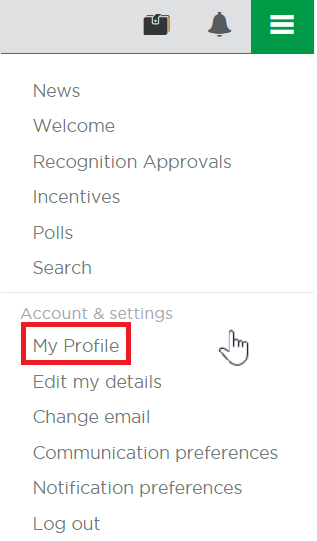
- Using the navigation bar, you can update your profile by selecting the main burger menu in the top right corner.
- Then select 'Edit My Details' from the menu. You will see a small blue icon bottom right of your profile picture that you can click to upload your profile photo. You can change it as often as you like.
Was this article helpful?
That’s Great!
Thank you for your feedback
Sorry! We couldn't be helpful
Thank you for your feedback
Feedback sent
We appreciate your effort and will try to fix the article