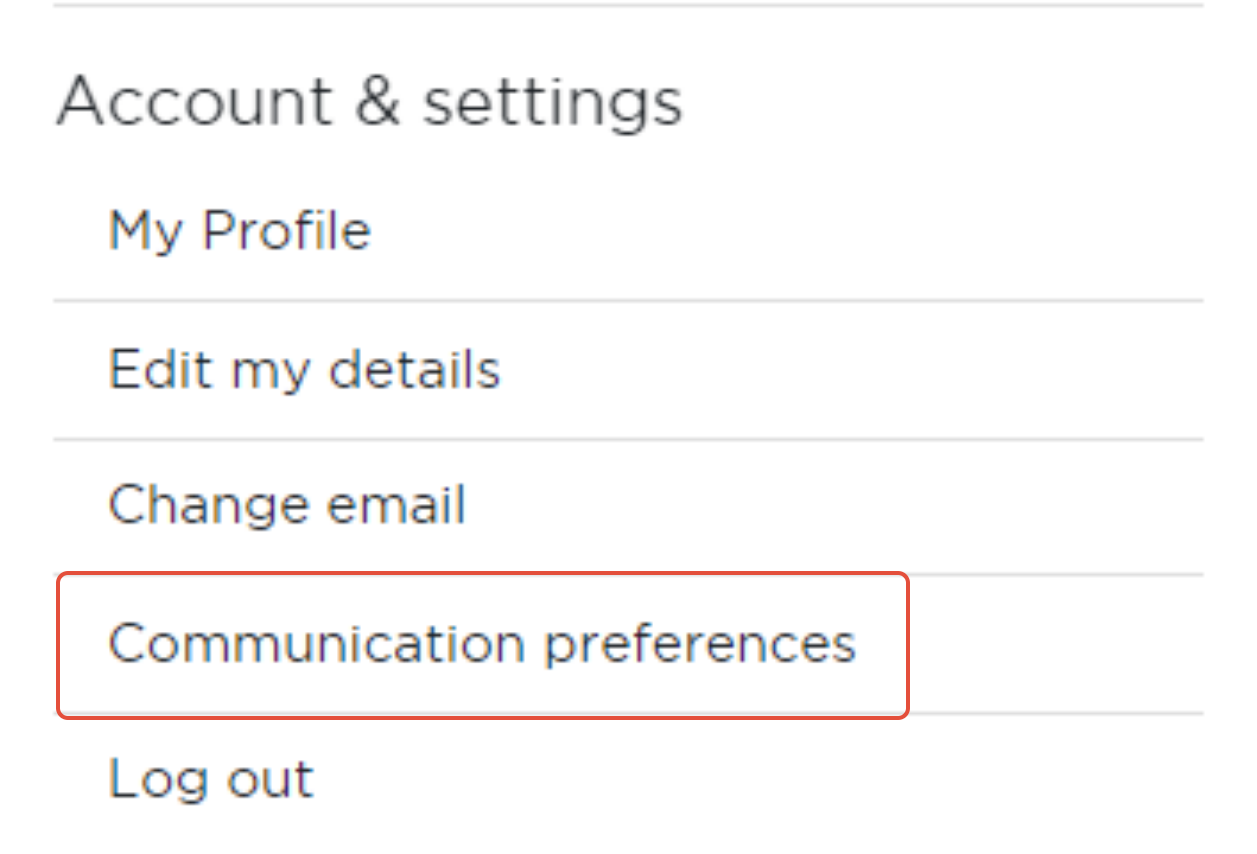
- Using the navigation bar, you can access ‘communication preferences’ or 'notification preferences' by selecting the main burger menu in the top right corner.
- From here you can let us know what actions you would like to trigger a notification for you, to help you stay connected to activities on the site. Notifications can inform you when you have been recognised or when people have commented on a post you added, so that you can keep the conversation going.
Was this article helpful?
That’s Great!
Thank you for your feedback
Sorry! We couldn't be helpful
Thank you for your feedback
Feedback sent
We appreciate your effort and will try to fix the article